
Featured Project: Chicago’s Blue Bin Program
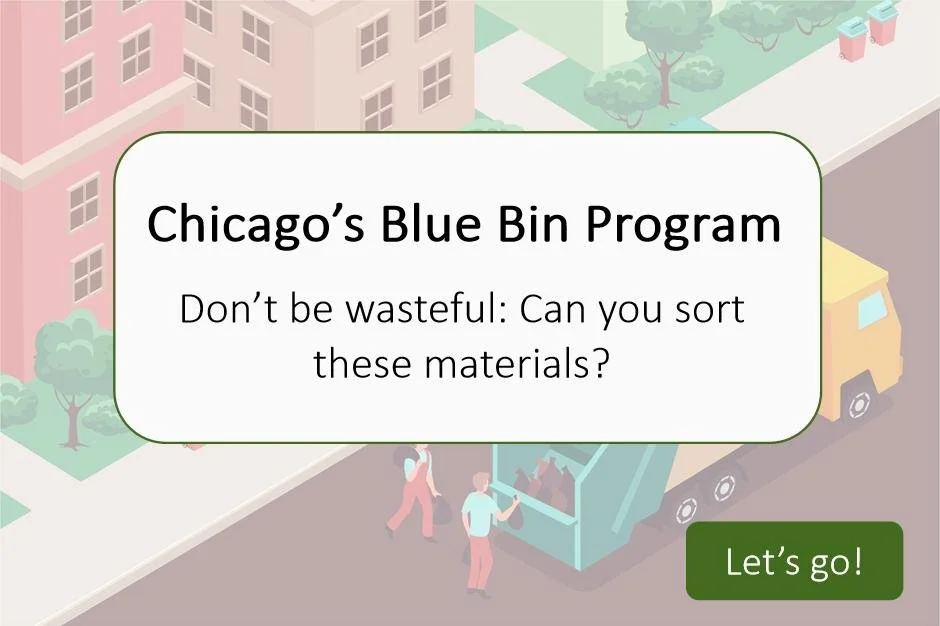
Target audience: Chicago residents
Responsibilities: Instructional design (action mapping, storyboarding, mockups, prototype, full build), Visual design, eLearning development
Tools used: Articulate 360 Storyline, Figma, Canva, Adobe Illustrate, Google Suite, Freepik, Google Cloud
My Process
-
Many Chicago residents care about recycling but often struggle to understand what actually belongs in the city’s blue bins. Confusing labels, outdated assumptions, and conflicting information lead to "wishcycling"—the act of tossing questionable items into the bin in hopes they’re recyclable. This not only contaminates the recycling stream but also increases processing costs and reduces the effectiveness of the entire program.
-
This course was designed to provide clear, accurate, and up-to-date guidance on Chicago’s Blue Cart recycling program. Through interactive lessons, visuals, and real-life examples, participants will learn exactly what can and cannot be placed in their blue bins. By the end of the course, learners will feel confident in their recycling habits and empowered to reduce contamination—helping to make Chicago’s recycling efforts more effective and sustainable.
-
To bring this project to life, I followed the ADDIE model. During the analysis phase, I met with a recycling SME to gather information and create an action map, which became the foundation for my text-based storyboard in the design phase. I continued collaborating with the SME while shaping the eLearning narrative.
After completing the storyboard, I shifted to visual design, producing high-fidelity mock-ups. Then, I moved into development by building an interactive prototype, and began developing the full course.
Through the development phase, I gathered feedback from peers and professional instructional designers, applying iterations to ensure functionality, consistency, and a smooth learner experience.
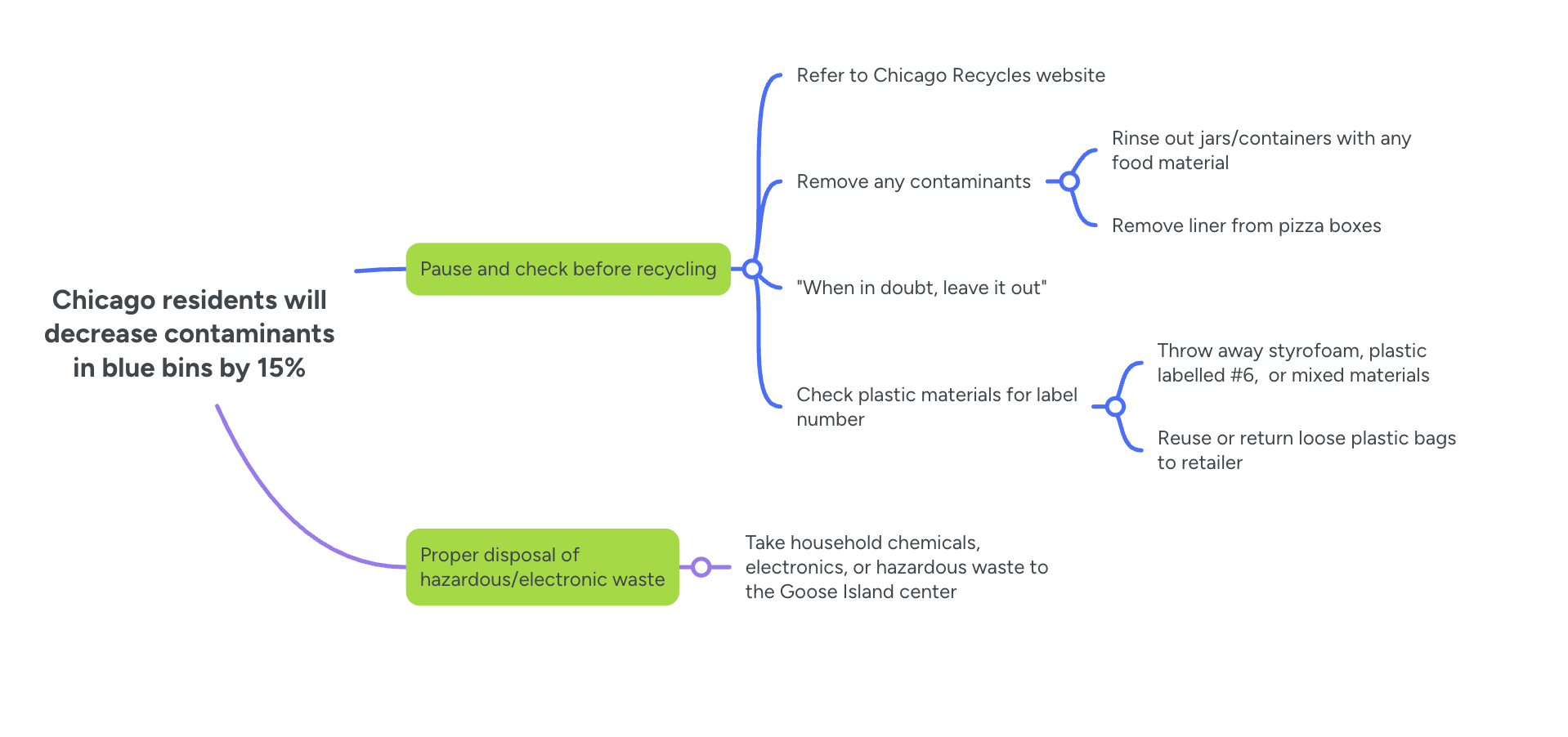
Action Map
This course focuses on shaping the actions residents can take to make confident, informed recycling decisions in their everyday lives. The goal is to reduce contamination in the blue bin stream by encouraging simple, high-impact behaviors. I identified a goal of 15% contamination reduction and determined that the two highest-priority actions for residents to reach that goal are:
Pause and check before tossing an item: Take a moment to verify whether the item is accepted in the blue bin and prevent common contaminants like plastic bags, food residue, or Styrofoam from entering the bin.
Properly dispose of any hazardous materials, like electronics, household chemicals, and aerosol cans to the Household Chemical & Recycling Facility on Goose Island
By focusing on these key behaviors, the course empowers residents to take practical steps that directly support a cleaner, more effective recycling program in Chicago.
I used Mindmeister mapping tool to make my action map.
Text-Based Storyboards
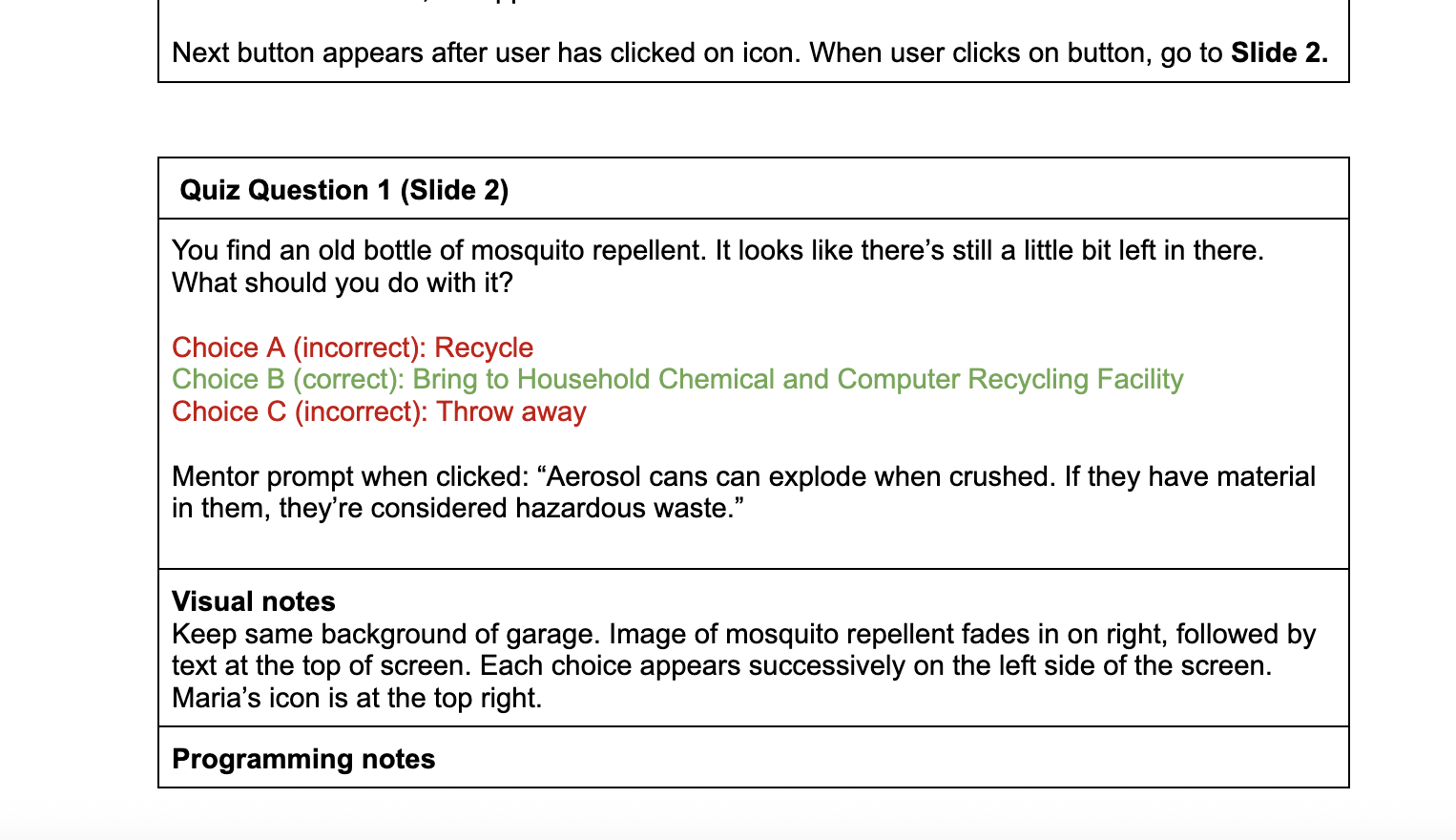
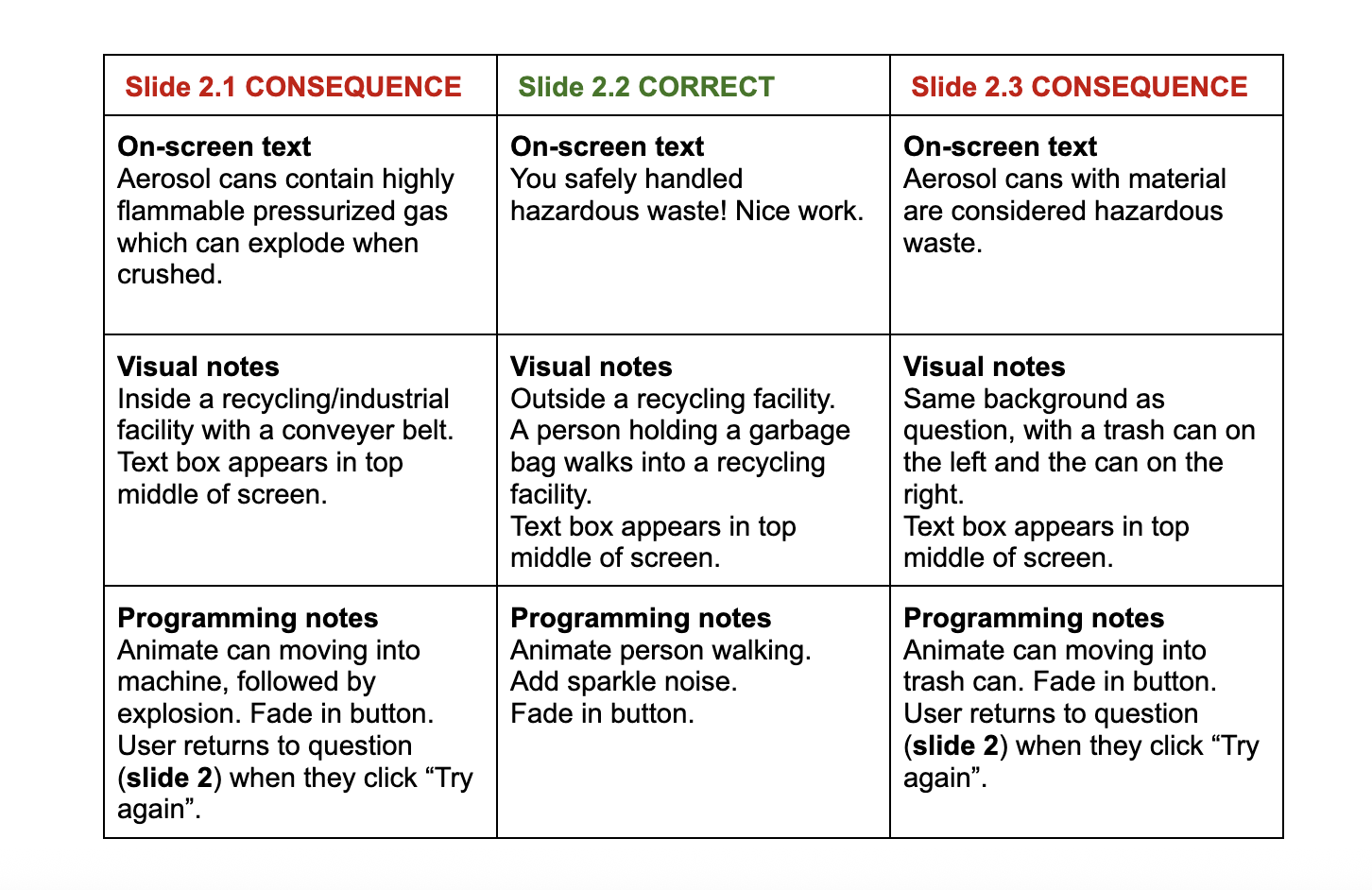
Using the action map as my guide, I wrote a text-based storyboard as the base for my project. The story will take the learner through some brief introductory information, then allows them to make choices as they clean up their garage.
Each choice has a specific positive or negative outcome (though some negative consequences are exaggerated for dramatic purposes). The learner progresses to the end by correctly choosing the way to dispose of each item.
For extra support, I created a mentor character that the user can consult as needed.
Visual Mockups
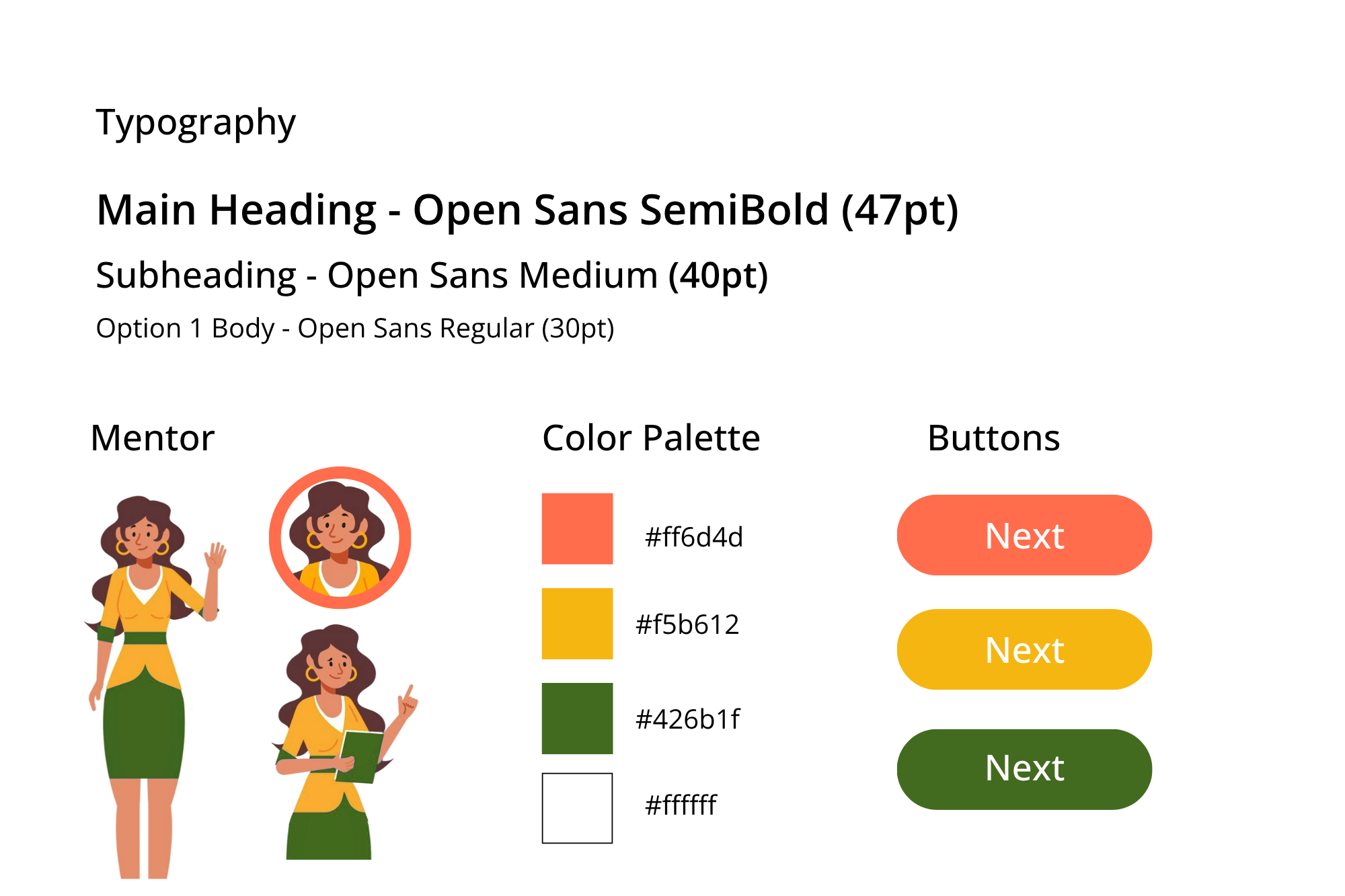
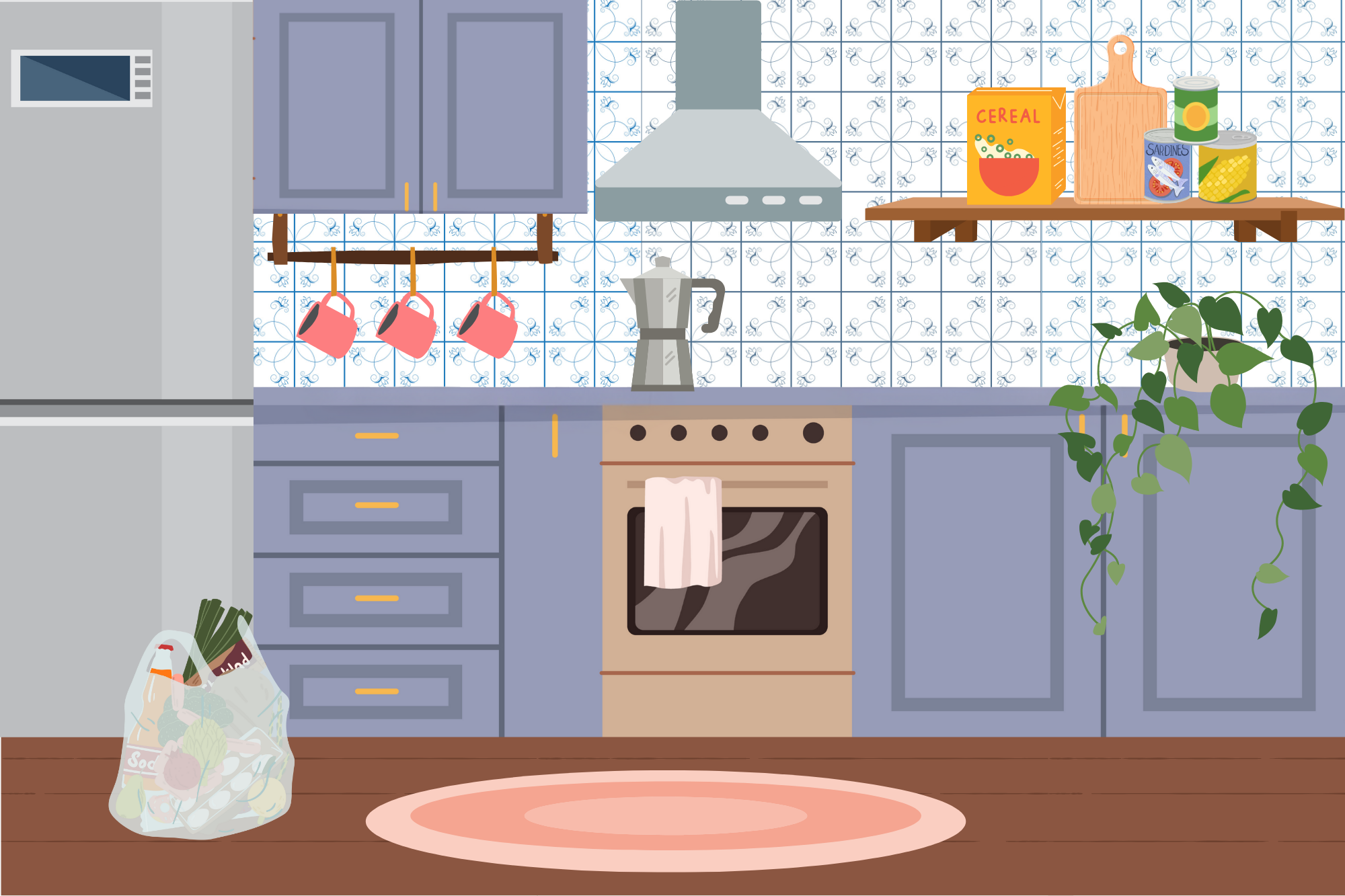
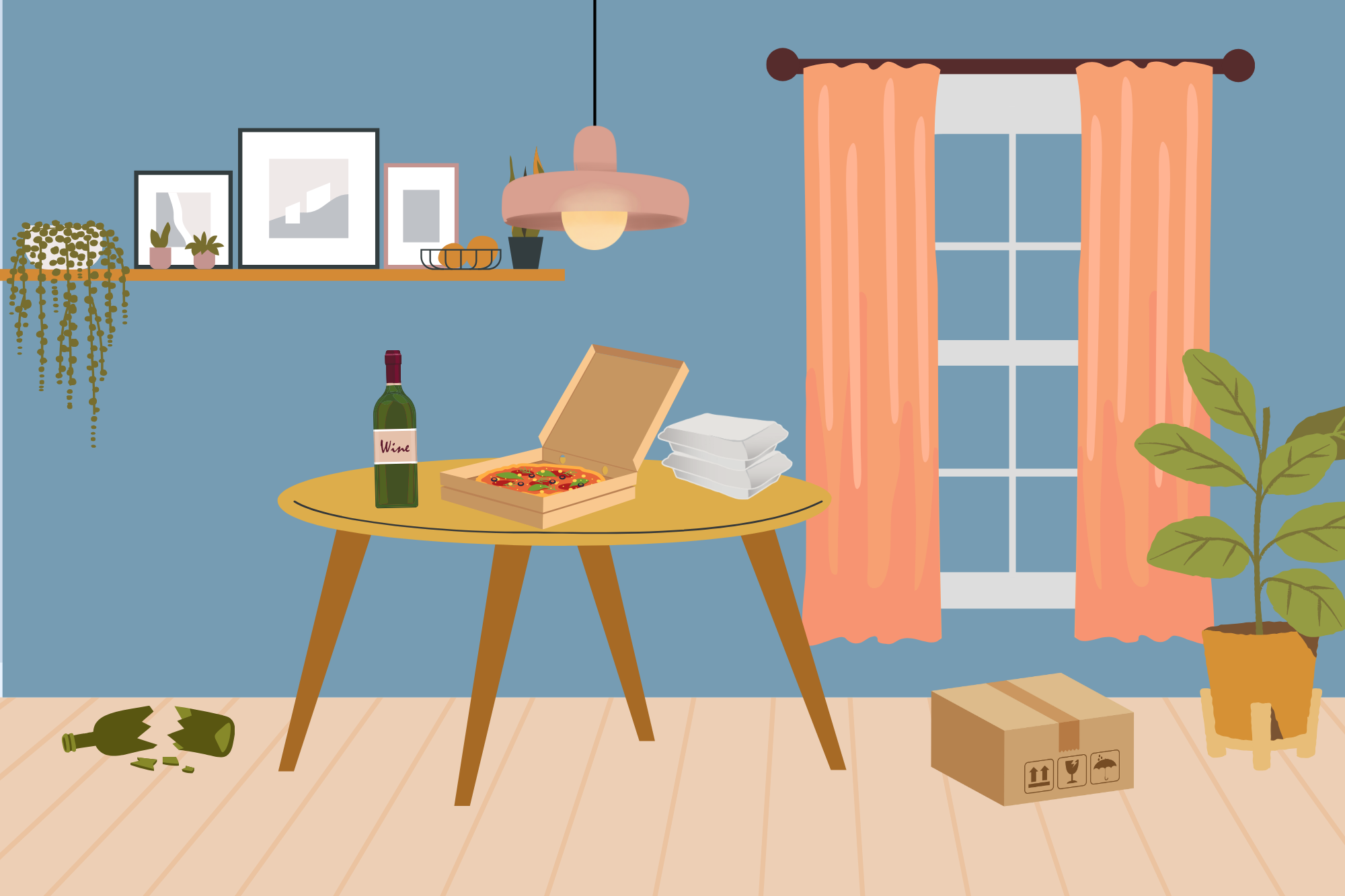
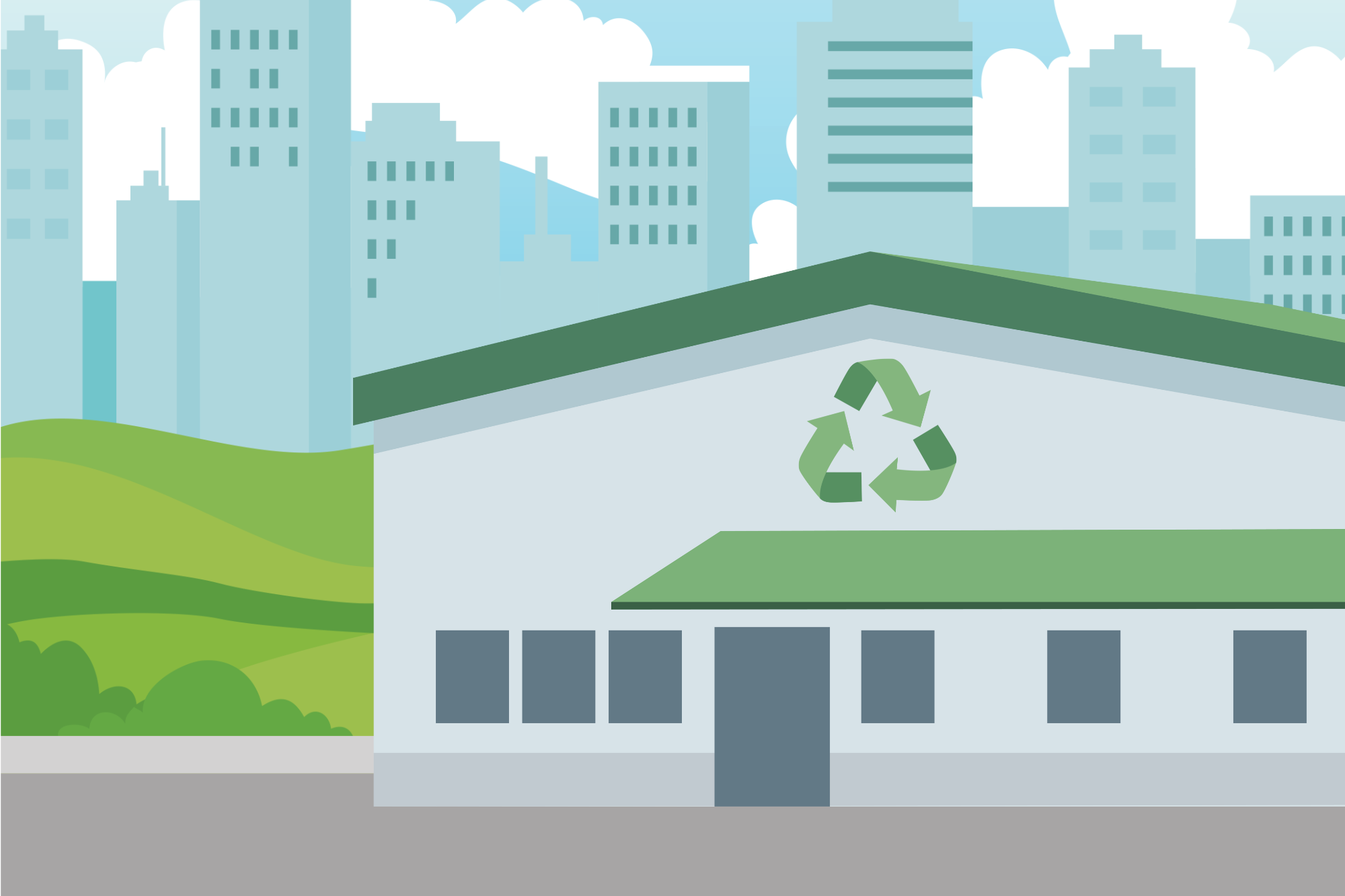
To begin with visual mockups, I first searched for images on Freepik, using keywords like: recycling, eco-friendly, recycling plant, green, city background
I found content packs or images with similar aesthetic feels for the different materials used in the introduction portion (glass bottles, styrofoam, paper/magazines, etc.).
From there, I created a style guide, wireframes, and mockups in Figma. I created combinations of color palettes and text styles. After multiple iterations, I landed on a solid design to guide my project.
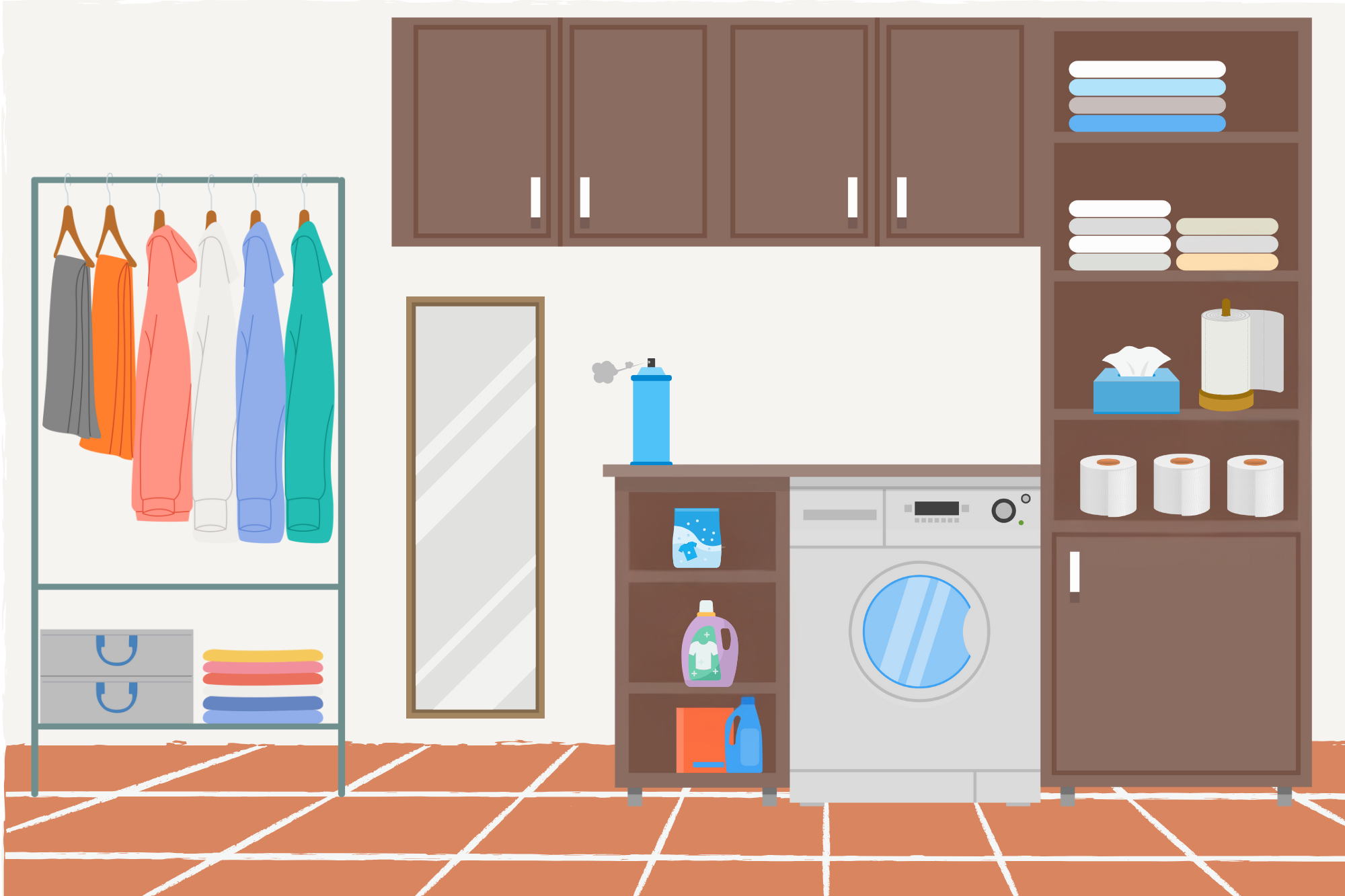
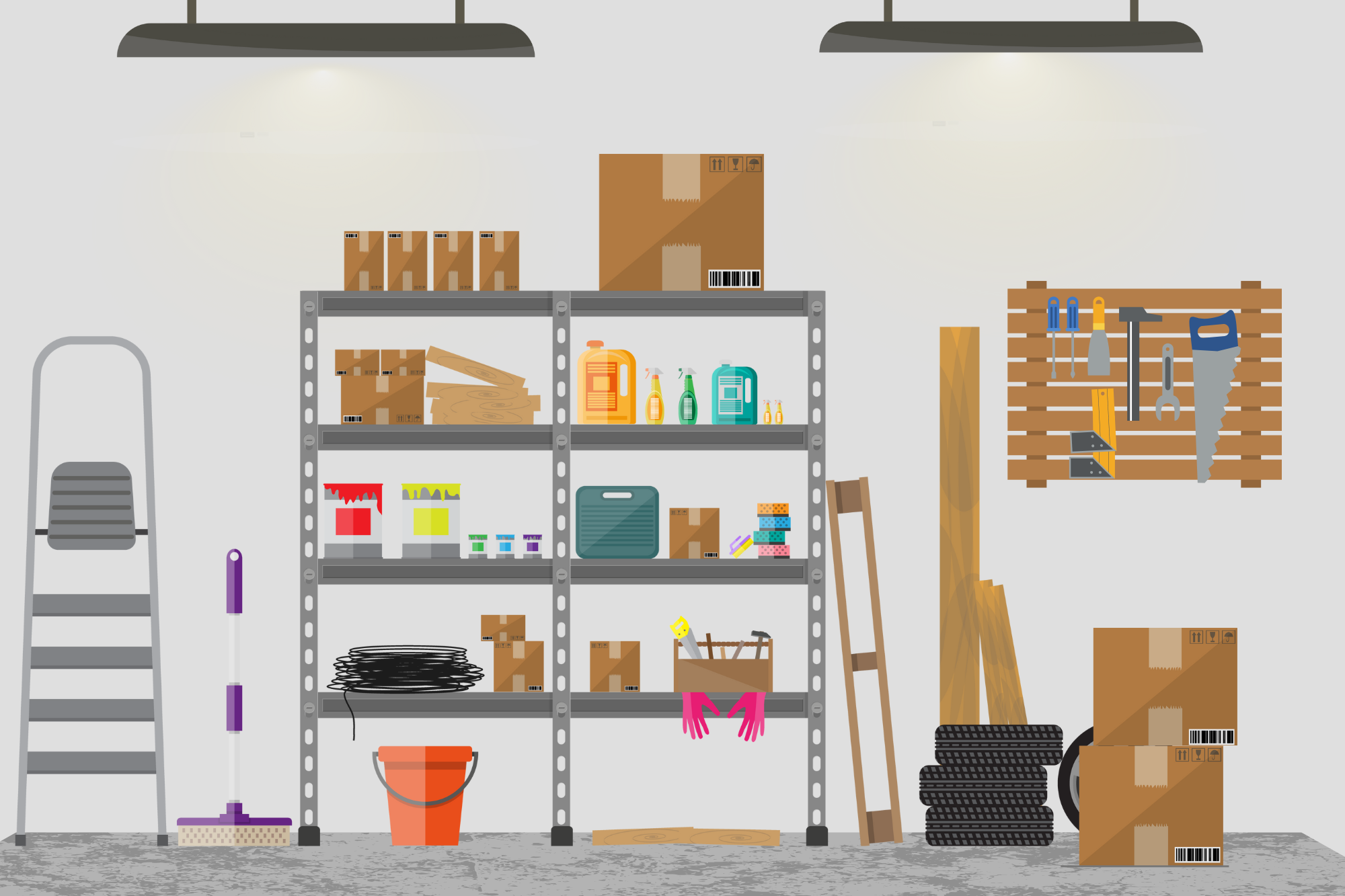
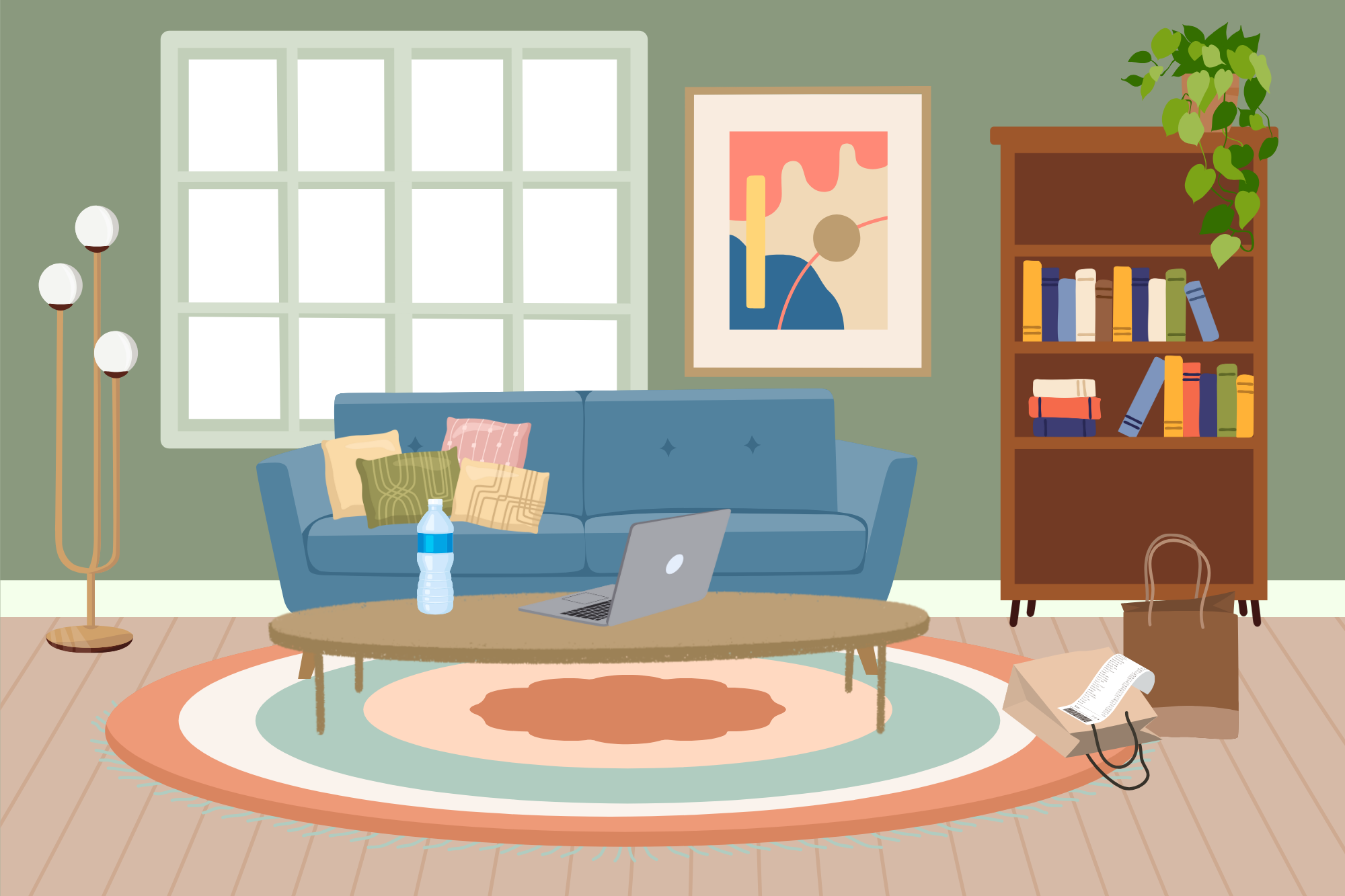
In order to make the information section more immersive, I decided to design different rooms and scenes with various recyclable and non-recyclable items. I used Canva to create 4 scenes (kitchen, living room, laundry room, and dining room) with distinct objects to learn about, as well as another scene as a background for part of the quiz (garage). I also used Adobe Illustrator to edit any elements I needed to be consistent with my style guide.
Interactive Prototype
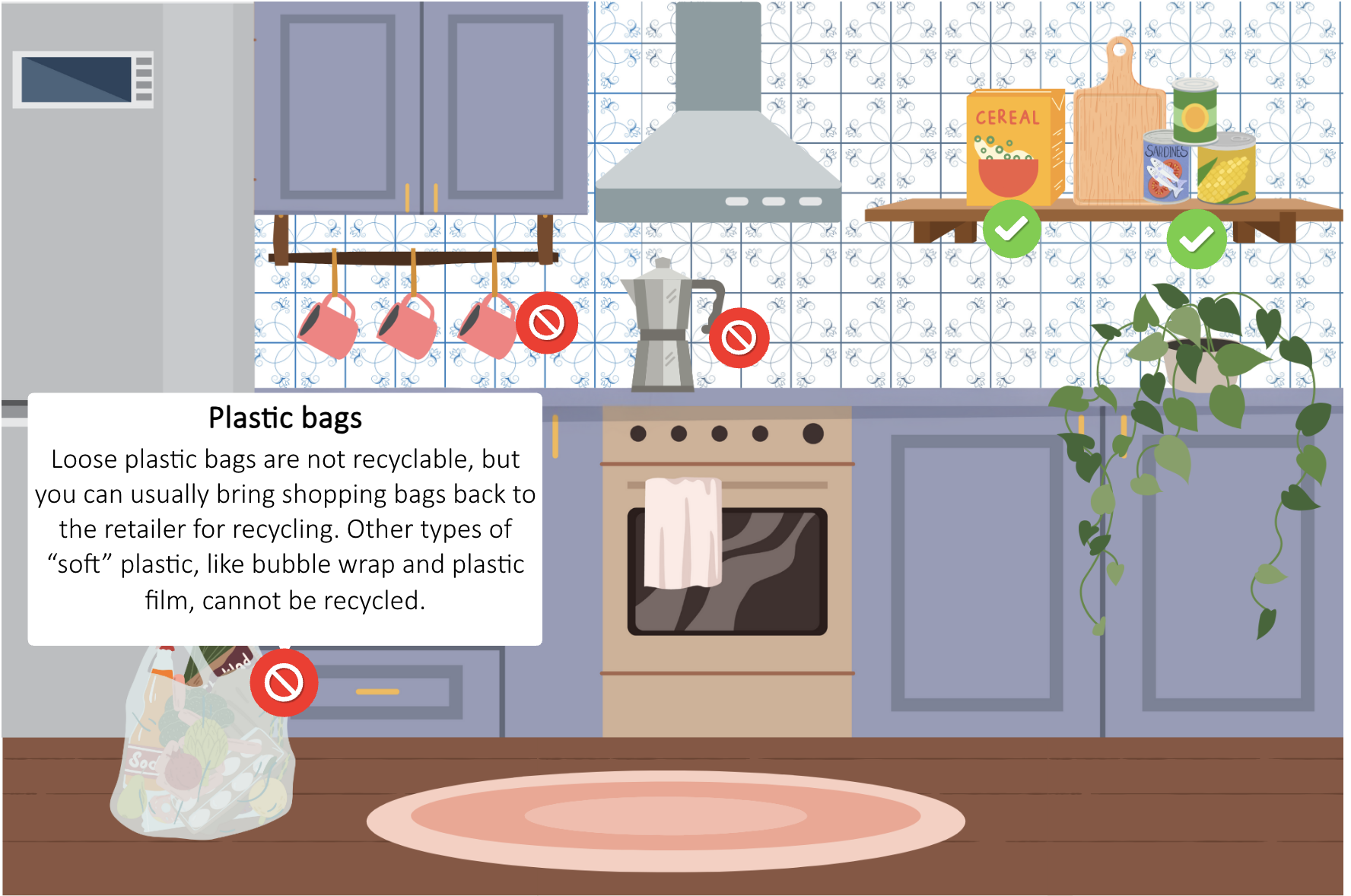
I used Articulate Storyline 360 Storyline to create an interactive prototype for my project and tested it before full development. I solicited feedback from other Instructional Designers in my professional network. This prototype included the first several interactive slides for my project, including the title slide, mentor introduction and information, and the kitchen and laundry room scenes.
In this process, I continued to make some design changes to my slides to bring the full interactive vision to life.
A few notable design changes were:
Adding more details to the introduction, especially noting that recycling rules vary based on location and specifying that this is only accurate for Chicago residents.
Editing code so that users could not skip ahead until they looked at each of the relevant objects in the learning scenes.
Adding a pop-up to give more clear instructions on viewing each object.
Full Development
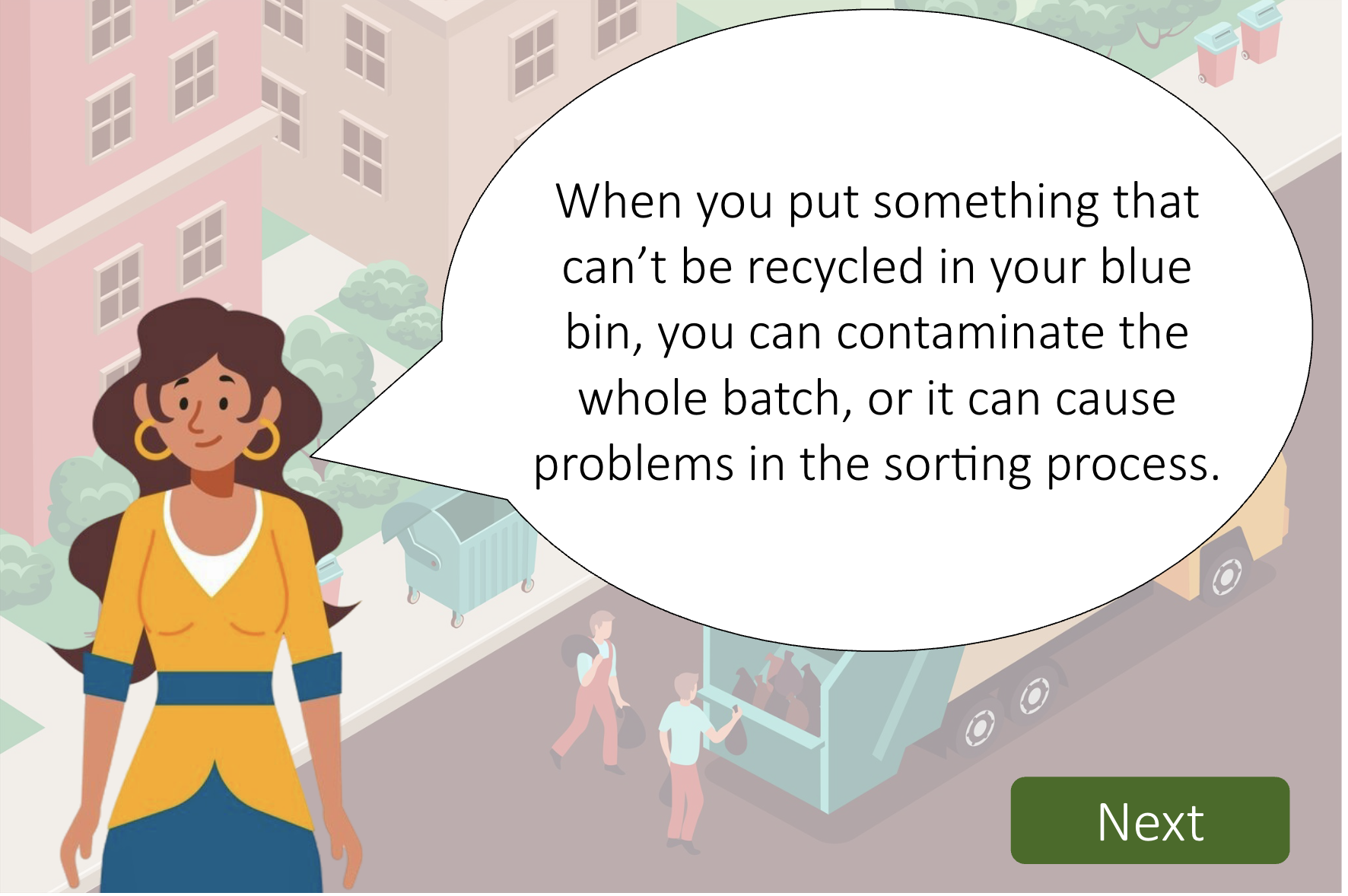
After collecting feedback and applying several iterations to the prototype, it was time to develop the project in full. The project consists of 47 scenes created in Articulate Storyline 360.